Managed Subnets
A Managed Subnet is a Subnet for which the gateway asset also runs a DHCP server on an additional network interface. This page lists what is specific to Managed Subnets in the Admin Console. Everything the five gateway objects share is on Gateway objects.
In short
A Managed Subnet lets a gateway asset manage a whole network segment: it hands out addresses, DNS servers and the default gateway to the devices behind it, and filters what they may reach. You create it from Assets → Create → Managed Subnet. It needs a Linux asset with a second network interface besides its uplink.
Before you start
- A Linux gateway asset that is online and has a second network interface besides its uplink, for example a second Ethernet port or a VLAN interface. If no asset qualifies, the form says so, and only assets that support it are offered.
- The addressing of the segment: the interface address with mask, the pool and the DNS servers to hand out. The form fills in defaults, see DHCP tab.
- The Admin Console is for administrators, see Roles.
Common tasks
- Hand out addresses on a segment: Hand out addresses on a segment.
- Keep the devices off the internet or reachable only from the overlay: Filter Mode on the General tab.
- Check why a user can or cannot reach a device: Access Diagnostic.
The list
Managed Subnets are listed below their gateway asset on the Assets page. The group row shows Public IP (empty) and Network. See The list.
Detail panel
The detail panel is that of a Subnet, headed View Managed Subnet. The icons and the fields every gateway object has are described under Detail panel.
Insight
The Insights icon opens the insight panel of the Managed Subnet. How the panel works is described once under Insight panel; for the sections of a gateway object see Insight.
Create and edit
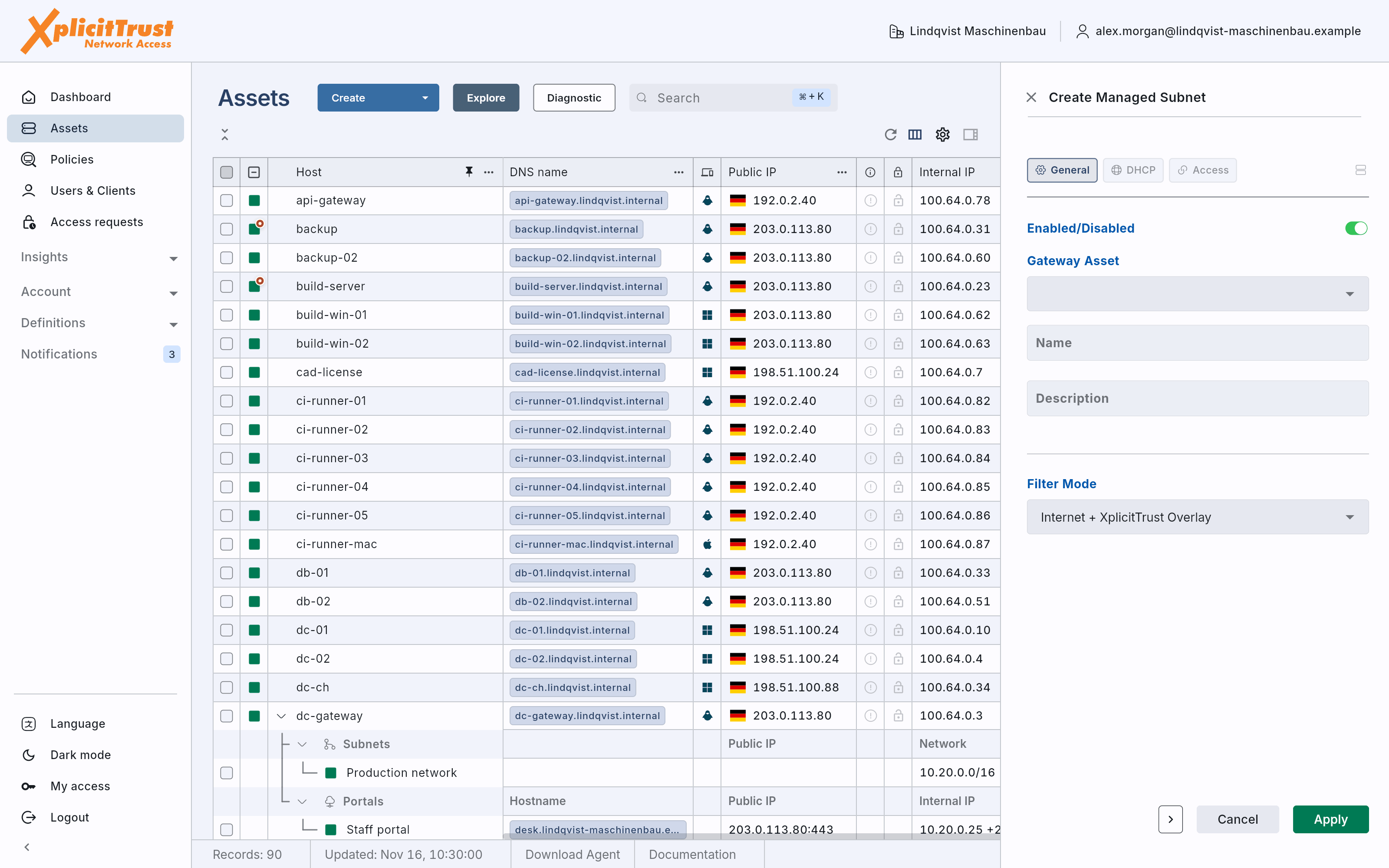
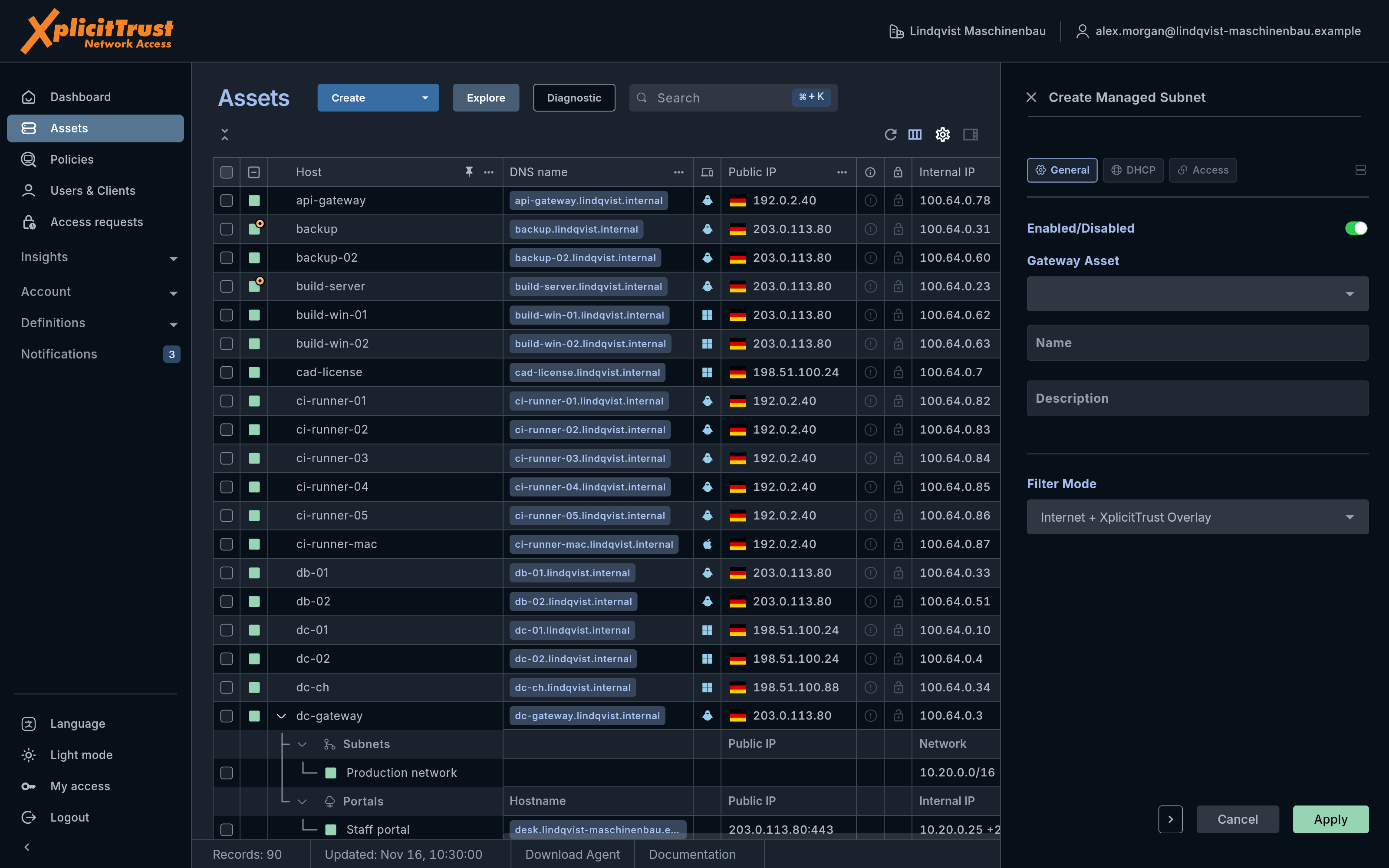
The form has three tabs: General, DHCP and Access. How the form works (tabs, Apply, Cancel, single and tabbed view) is described under Create and edit.
General tab
| Field | Meaning |
|---|---|
| Enabled/Disabled, Gateway Asset, Name, Description | As for the other forms. Name is required. |
| Filter Mode | What the devices behind the gateway asset may reach. Internet + XplicitTrust Overlay (default): the internet and the overlay. XplicitTrust Overlay only: only the overlay. Incoming XplicitTrust Overlay only: the devices can only be reached from the overlay. |
| Hosts | As for a Subnet. Shown only when you edit or clone an existing Managed Subnet. |
DHCP tab
| Field | Meaning |
|---|---|
| Managed Interface | The network interface of the gateway asset the DHCP server listens on. The list shows the interfaces of the gateway asset except its uplink, each with its address. Required; without one the form says Please select an interface. |
| Interface IP (CIDR) | The address and mask of the interface, e.g. 192.168.36.2/24. Required; the mask must be between /1 and /31. The field shows the address of the selected interface as a hint. |
| Pool Start, Pool End | The range of addresses the server hands out. Required; both must be inside the network of the interface IP. |
| Gateway IP | The default gateway handed to DHCP clients. Required. |
| DNS Servers (comma-separated) | The DNS servers handed to DHCP clients. Default 9.9.9.9,149.112.112.112. |
| Lease Time (seconds) | How long a lease is valid. Default 86400. |
| Auto-create Hosts | Switch, off by default. |
| Domain (optional) | Shown when Auto-create Hosts is on: a domain for the names of the hosts, e.g. example.local. |
From the Interface IP (CIDR) (or, while it is empty, the address of the selected interface) the console fills Gateway IP, Pool Start and Pool End for you: the gateway is the interface IP, and the pool runs from .100 to .200 of the network when it has 256 or more usable addresses, otherwise from the second to the last usable address. A value you typed yourself is not overwritten.
Access tab
Services and Policy Assignments, as described under Access tab.
When you edit a Managed Subnet, the name, description and enabled state are saved with the subnet and the DHCP settings with the gateway asset's DHCP configuration.
See also
- Concept: Gateway Assets.
- Guide: Hand out addresses on a segment.
- Reference: Gateway objects, Subnets, Assets, Access Diagnostic.