Exit Nodes
An Exit Node is the default route for traffic that is not meant for a local network, an Asset, a Virtual Asset or a Subnet. This page lists what is specific to Exit Nodes in the Admin Console. Everything the five gateway objects share is on Gateway objects.
In short
An Exit Node sends the internet traffic of clients through the connection of a gateway asset, for IPv4 and IPv6. You create it from Assets → Create → Exit Node. It works like a Subnet with the range 0.0.0.0/0, ::/0, and you can list destinations that bypass it.
Before you start
- A gateway asset that is online: a Linux or Windows asset (Windows is a public beta, see Gateway objects).
- A policy that grants clients the Exit Node. An Exit Node always has the predefined All service definition.
- The destinations that must not leave through the gateway asset, such as latency-sensitive meetings, as exceptions.
- The Admin Console is for administrators, see Roles.
Common tasks
- Send internet traffic through a site: Send internet traffic through a site.
- Keep Microsoft Teams, Zoom or other vendor ranges off the Exit Node: Exceptions.
- Check why a user does not use it: Access Diagnostic.
The list
Exit Nodes are listed below their gateway asset on the Assets page. The group row shows Public IP (empty) and Network. See The list.
Detail panel
The panel is headed View Exit Node. The icons and the fields every gateway object has are described under Detail panel. It differs from the panel of a Subnet:
- Network / Mask is fixed and reads
0.0.0.0/0, ::/0: the Exit Node takes over the default route for IPv4 and IPv6. - There are no Hosts.
- There is no Policy Assistant, Access Insights or Clone icon.
- The exceptions are headed Exit Node Exceptions.
Insight
The Insights icon opens Insight Exit Node: who can reach the Exit Node, by policy. How the panel works is described once under Insight panel; for the sections of a gateway object see Insight.
Create and edit
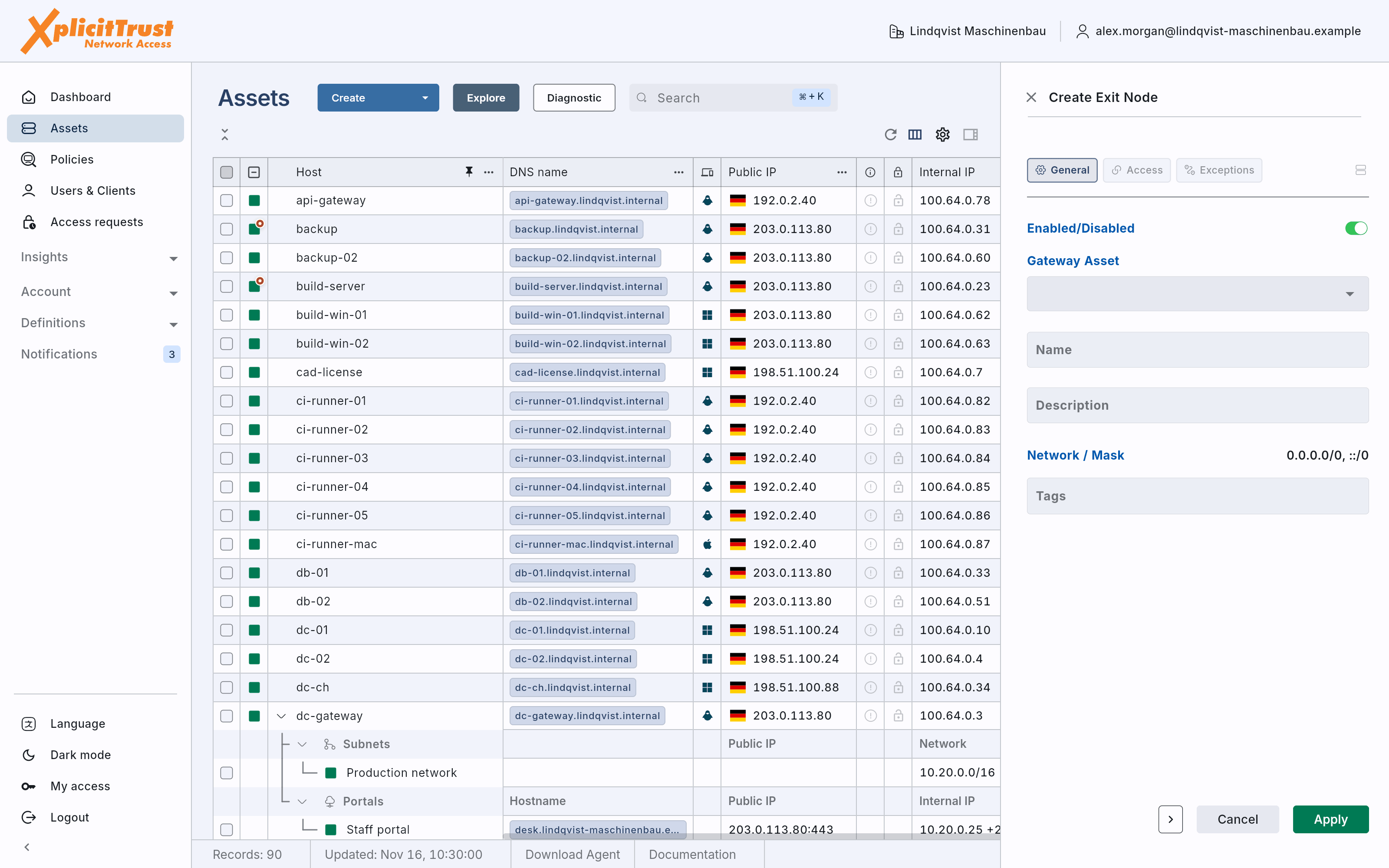
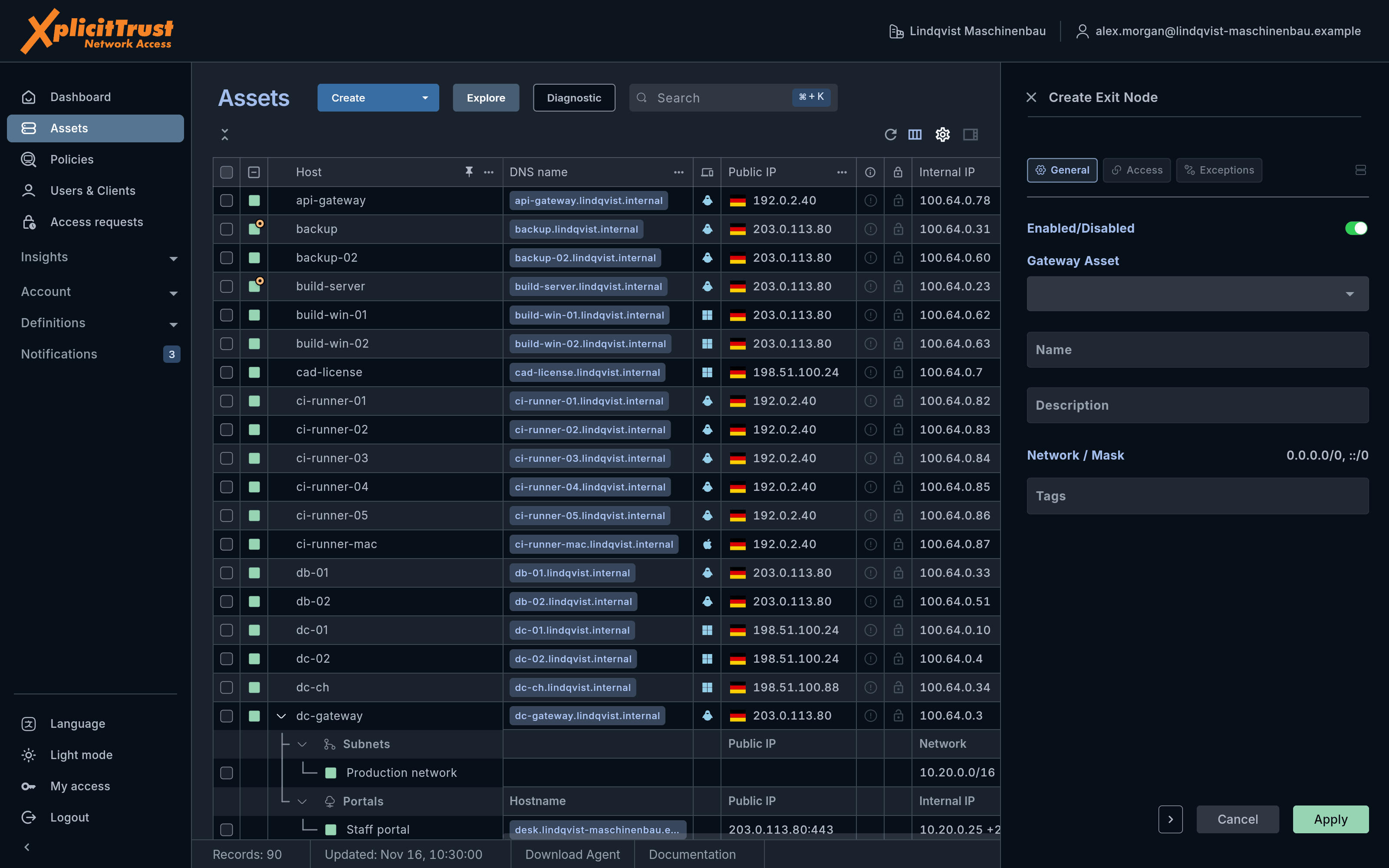
The form is that of a Subnet with these differences. How the form works (tabs, Apply, Cancel, single and tabbed view) is described under Create and edit.
- The tabs are General, Access and Exceptions: there is no Advanced tab and there are no Hosts.
- The General tab has the fields every gateway object has. Name is required. The network is fixed.
- The Access tab has only Policy Assignments (Access tab).
- The Exceptions tab adds Presets.
Exceptions tab
The Exceptions tab of an Exit Node describes destinations that bypass the Exit Node and leave through the client's own internet connection, e.g. latency-sensitive services. It has Enable exceptions, then:
| Element | Meaning |
|---|---|
| Presets | Checkboxes for maintained vendor ranges: Microsoft Teams, Exchange Online, SharePoint and OneDrive, Microsoft 365, Google Meet, Zoom and Webex. The Microsoft ranges are refreshed automatically every week, the others with the releases; see Exceptions. Each shows how many prefixes it contains and a description; bundle marks a preset that combines others. If the list cannot be loaded the tab says The preset catalog is unavailable. Presets exist only for Exit Nodes. |
| Custom networks | As for a Subnet, except for the rules about the subnet itself (same address family, more specific, inside it), which do not apply. Instead a network may be at most as broad as /8 (IPv4) or /16 (IPv6); a broader entry is refused as too broad. |
See also
- Concept: Gateway Assets (exceptions) and Connection Paths and NAT.
- Guide: Send internet traffic through a site.
- Reference: Gateway objects, Subnets, Assets, Policies, Access Diagnostic.