Portal Messages and Troubleshooting
When a portal turns someone away, it answers with a page of its own instead of the application. This page lists those messages with their cause, for your helpdesk, and one table of what you may see while something does not work.
In short
Look up the title of the card the person sees in the first table. If the portal, a certificate or a session does not work at all, look up what you see in Troubleshooting.
Messages people see
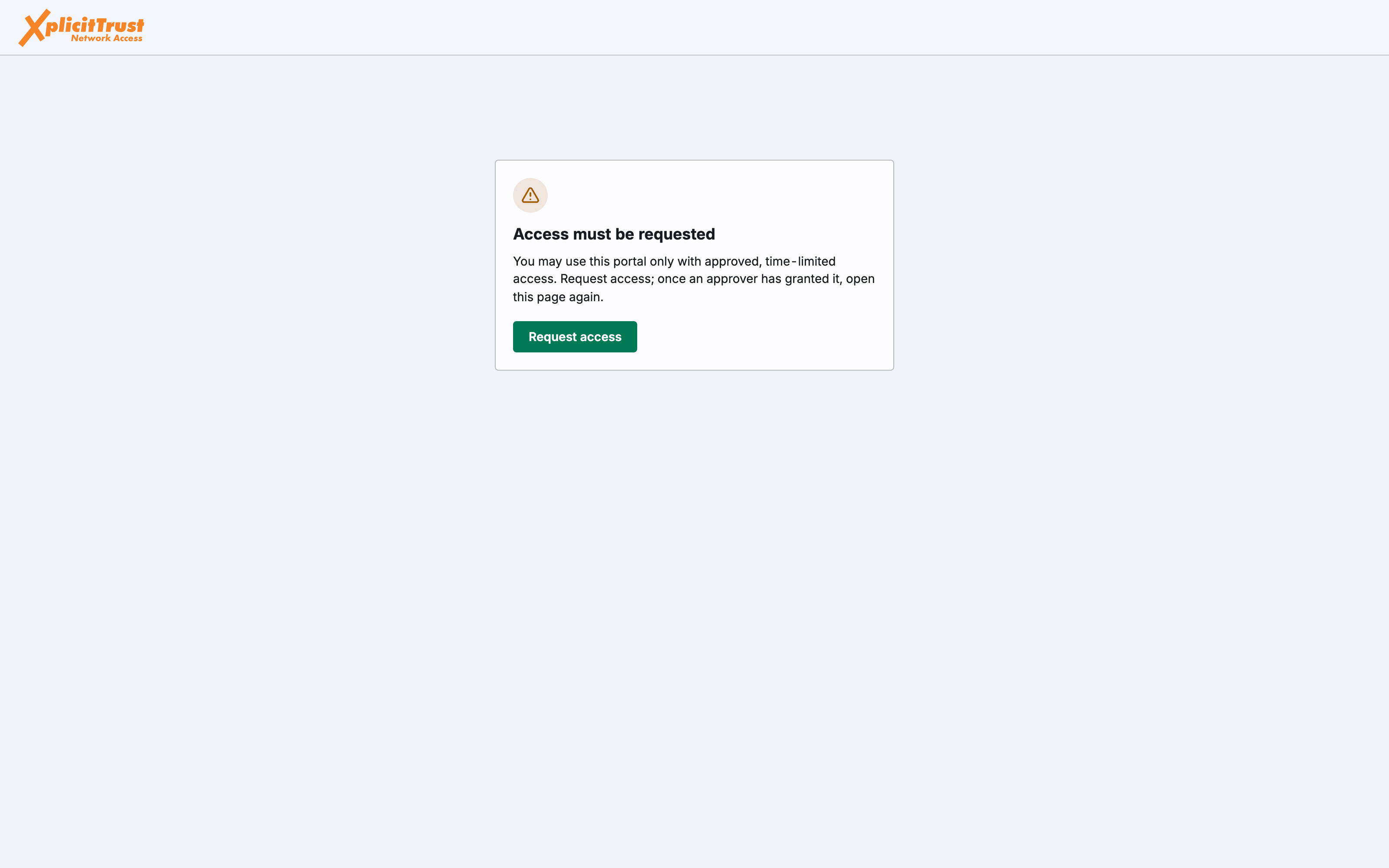
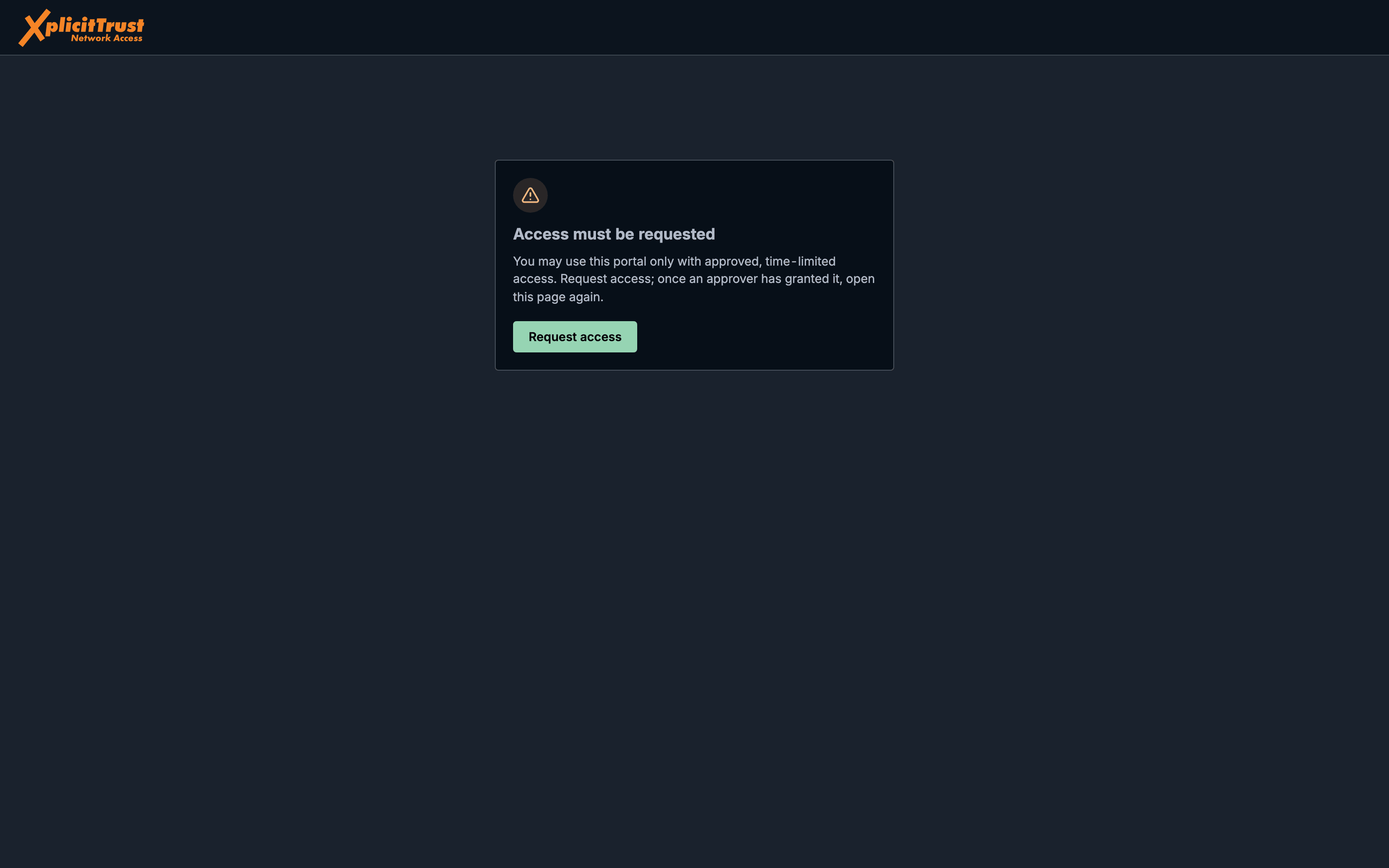
| Title | Text | When | What helps |
|---|---|---|---|
| Access must be requested, with Request access | "You may use this portal only with approved, time-limited access. Request access; once an approver has granted it, open this page again." | The person signed in, and only just-in-time access grants the portal. | Request access with the button; open the page again once it is granted. |
| Your access request is not active yet, with Open my requests | "You have already requested access to this portal. It is waiting for an approver, or it was approved for a time that has not begun. …" | As above, with a request that waits or starts later. | Wait for the approver or the start. |
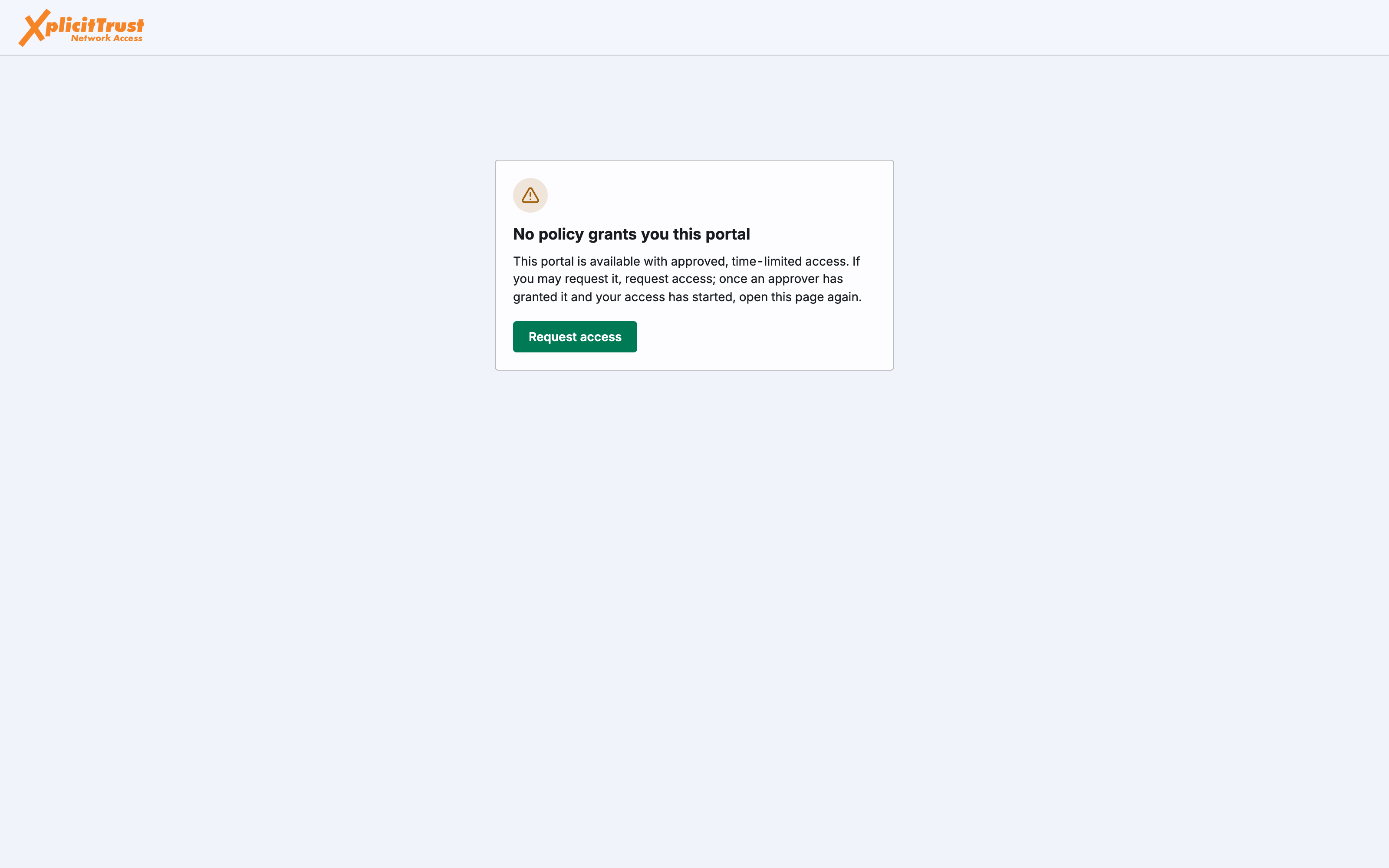
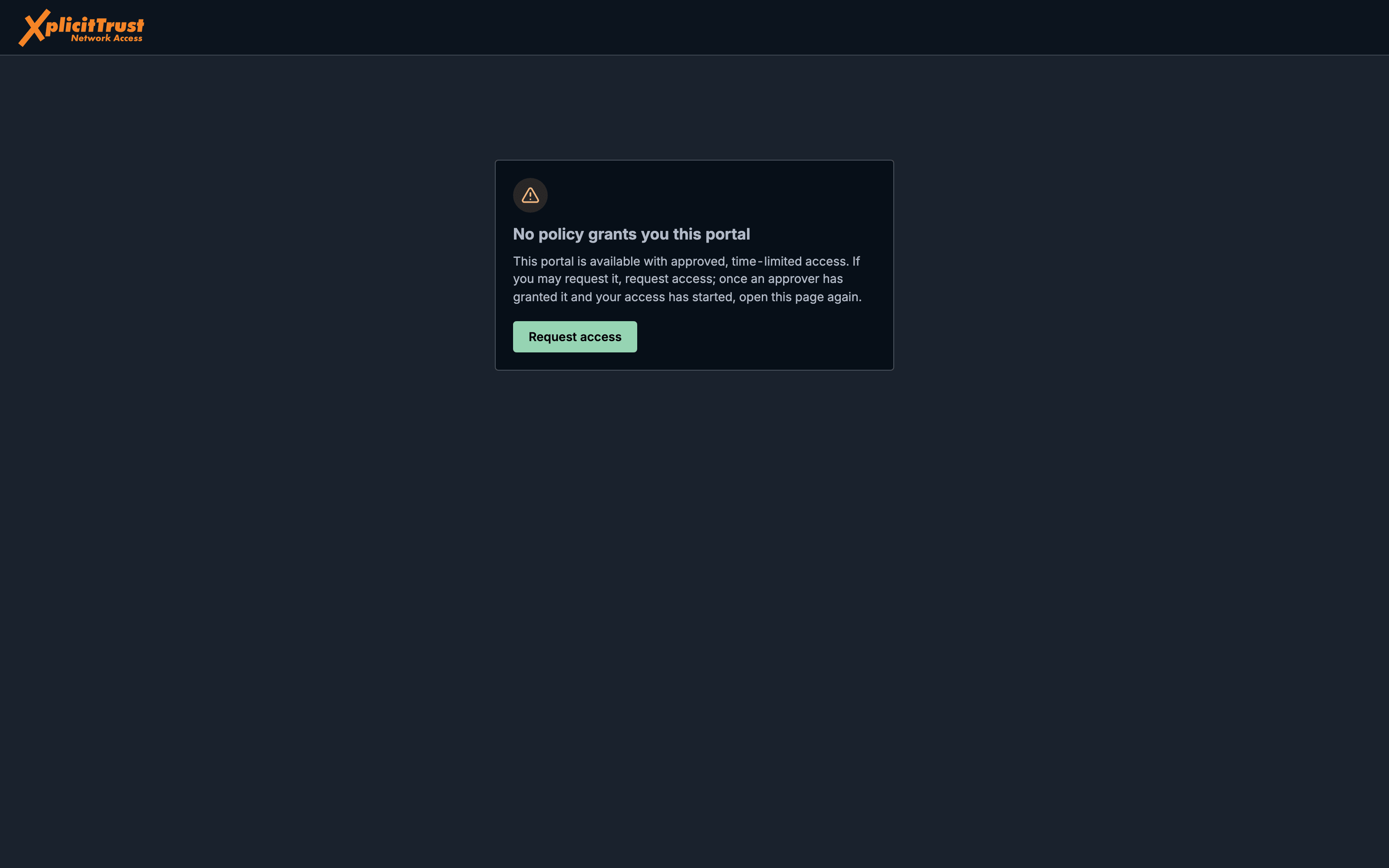
| No policy grants you this portal | "Your device reaches this gateway, but no policy names this portal for you. …" | A device with the agent reaches the gateway asset, but no policy with the portal as its destination includes it. With just-in-time access for the portal, the text says how to request it and the page has Request access. | A policy with the portal as its destination; see Policies. |
| Access denied | "You are signed in, but no policy grants you this portal. …" | The sign-in worked, but no policy grants the portal to the person. | As above. |
| Access denied | "You are signed in, but this path is limited to some user groups and you are not in them." | The application has Allowed user groups and the person is not in them. Through the agent: "This path is limited to some user groups, and the user logged in on your client is not in them." | Add the person to a group, or change the application. |
| Access denied | "Your network is not allowed to use these applications." (the list) or "Your network is not allowed to use this path." (an application) | The person's address is not in the Allowed networks. | Use an allowed network, or the agent. |
| Access denied | "This path is not available." | The path belongs to a Block application. | Nothing; the path is blocked on purpose. |
| This page needs the client | "Open this page with the XplicitTrust client connected. It is only available from inside the organisation's network." | A tunnel application, opened without the agent. |
Connect the agent and open the page again. |
| This address cannot log you in | "You reached this portal over its internal address, where logging in is not possible. …" | A device without the agent reached the portal's tunnel address, for example from the gateway asset's local network. | Open the portal at its public address, or connect the agent. |
| Login required | "Open this page in your browser to log in, then retry." | A request that needs a sign-in but is not a page, for example a script of the application after the sign-in ran out. | Reload the page. |
| Login could not be completed | "This login does not belong to this browser or has expired. …" or "The login took too long or your browser does not keep cookies. …" | The sign-in was finished in another browser, took too long, or the browser blocks cookies. | Go back to the page and sign in again in the same browser, with cookies allowed for the portal. |
| Access denied | "The login was not accepted: reason. …" | The identity provider or XplicitTrust refused the sign-in for another reason. | The event web_app_login_denied has the reason. |
| Temporarily unavailable | "Logging in is not possible right now because the controller cannot be reached. …" | The gateway asset cannot reach XplicitTrust to complete a sign-in. | Try again in a moment; check the gateway asset's internet connection. |
While a sign-in finishes, the page Completing your login with "One moment." may show for a second.
Troubleshooting
Where you see it: on the portal's detail page in the console (Gateway status, Certificate status), when saving in the console, in the visitor's browser, on the session page of a remote desktop, or in the console's list of sessions and recordings.
| Where | What you see | Cause and fix |
|---|---|---|
| Portal detail page | Gateway status: Not served, "no listener on port 443" | Another process holds the port on the gateway asset. Stop it; the agent takes the port over within 30 seconds. |
| Portal detail page | Gateway status: Not served, "the app needs … which this agent version does not support" | The agent on the gateway asset is older than a feature the portal uses. Update the agent. |
| Portal detail page | Gateway status: Not served, "encrypted for another key of the gateway asset", or "the secret is encrypted for another key of the gateway asset …" | The gateway asset has a new key pair, because its configuration directory (/etc/XplicitTrust, the volume of the container image) was reset. Paste the certificate and private key of an uploaded certificate into the portal again, and enter the stored password or key of remote desktop applications again. |
| Portal detail page | Gateway status: "The gateway asset downloads guacd …" | Nothing to do: the gateway asset downloads guacd with the first remote desktop application. |
| Portal detail page | Gateway status: "The gateway asset cannot download guacd yet and keeps trying: …" | The gateway asset cannot reach dl.xplicittrust.com, or a proxy or firewall changes the download (the reason names the checksum then). Allow HTTPS to dl.xplicittrust.com, or use a mirror (Linux asset, container). |
| Portal detail page | Gateway status: "The gateway asset cannot serve RDP applications: …" | The reason says what is missing, usually the guacd account on a tar.gz install (create it). Saving a new or changed remote desktop application for such a gateway asset is refused with that reason. |
| Portal detail page | Gateway status: "The agent of the gateway asset does not support VNC applications yet; update it." | The gateway asset runs an agent version from before VNC. Update it; saving a new VNC application for it is refused until then. |
| Portal detail page | Gateway status: "guacd is not started: its port cannot be closed to the other local users (…); install iptables or nftables on the gateway asset" | Neither iptables nor nftables works on the gateway asset. Install one of them; in a container, add NET_ADMIN. |
| Portal detail page | Certificate status: Issuance failed with "no viable challenge type found" | The certificate authority reached something other than the agent on port 443: another web server on the host, or a port forwarding to another machine. Free the port or fix the forwarding; the next attempt follows within 15 minutes, at once when the agent takes the port over. |
| Portal detail page | Certificate status: Issuance failed with a DNS or connection error | The hostname's public DNS record does not point at the gateway asset, or port 443 is not reachable from the internet. The asset table's DNS warning shows where the name points. |
| Console | Saving a portal with an uploaded certificate, or a remote desktop application with stored credentials, fails with "the gateway asset has not reported its encryption key yet" | Stored private keys, passwords and keys are encrypted for the gateway asset, which reports its key when it runs a current agent version. Start or update the gateway asset, wait a minute and save again. Automatic certificates do not need it. |
| Browser | The browser shows upstream unavailable | The gateway asset cannot reach the application's upstream, or cannot verify its certificate. The agent log on the gateway asset names the reason, for example "certificate is valid for 127.0.0.1, not 192.168.1.20"; see Upstream CA certificate in Portals. |
| Browser | A login ends with Access denied and no_policy |
No enabled policy with the portal as its destination has a user group of the visitor as its source, or every such policy has a device condition. The event log has a web_app_login_denied event with the reason. |
| Browser | On an Android device with Android 17 or later, the portal or a remote desktop page does not open while the client is connected (Chrome shows ERR_TOO_MANY_RETRIES); with the client disconnected it opens |
With the client connected, the portal's hostname is the gateway asset's address in the tunnel, and Android counts that address as the local network. From Android 17 on, the browser needs a permission of its own for it; what the client is allowed does not carry over. On the device, open Settings → Apps, choose the browser, then Permissions → Nearby devices, and allow it. The client's My Access page shows a note with a button to that page. |
| Session page | "The gateway is still installing the remote desktop service. Try again in a minute." | The gateway asset is downloading guacd. When it stays, see Gateway status for the reason. |
| Session page | An SSH application with a certificate ends with "The connection failed." | The target does not trust the gateway asset's certificate authority, or the account is not allowed to sign in with it. Check TrustedUserCAKeys on the target (SSH certificates); sshd's log says why it refused. |
| Session page | "The gateway could not sign the certificate this desktop signs in with." | The gateway asset's certificate authority is not usable. The agent log names the reason. |
| Session page | "The gateway does not trust the identity of …" | The target presented a key other than the pinned one, or other than the one learned at the first session. Check the target, then pin the new key on the portal's detail page. |
| Session page | "The remote desktop service is not available on the gateway." | guacd did not start on the gateway asset. The agent log names the reason. |
| Session page | "You already have 8 remote desktop sessions open on this gateway" | The person reached the gateway asset's limit for each person (8 unless changed). Close a session, for example a forgotten browser tab; Remote desktop sessions on the portal lists the open ones. Or raise the limit (Open sessions and session limits). |
| Session page | "The gateway runs as many remote desktop sessions as it can; try again later." | The gateway asset reached its limit of sessions (64 unless changed). Raise it if the gateway asset has the capacity (Open sessions and session limits). |
| Session page | The session ends with "The connection failed." | The gateway asset cannot reach the target, or the target refused the account. |
| Session page | "This desktop is recorded, and the gateway has no room for another recording right now (…)" | The gateway asset has less than 512 MiB free on its disk, or, with a bucket, the recordings waiting for the upload fill the disk space for recordings. Free disk space, raise Disk space for recordings, or fix the upload (Session recordings shows its error). |
| Console | Detail page: "Reachable, and lets anyone in without a password" | The VNC server offers access without a password. Set a VNC password on the target, or turn the security type None off. |
| Console | The gateway's agent cannot end sessions yet; update it or … cannot show sessions yet; update it | The gateway asset runs an older agent. Update it. |
| Console | Session recordings: "Uploads fail (…): the bucket answered 403 AccessDenied" | The access key may not write to the bucket, or the bucket or prefix is wrong. Fix the key's permissions, or the settings. |
| Console | Playing a recording: "The browser could not reach the gateway at …" | Your device cannot reach the portal's address, for example a tunnel portal without the agent, or a firewall in between. |
| Console | Playing a recording: "Changed: does not match the SHA-256 …" | The file is not what the gateway asset recorded when the session ended. Treat it as tampered with. |
See also
- Concept: Agentless Access
- Guides: Publish a web application, Publish a remote desktop
- Reference: Using a portal, Remote desktop settings, Sessions and recording